Student Guide
Book Details
Student Guide
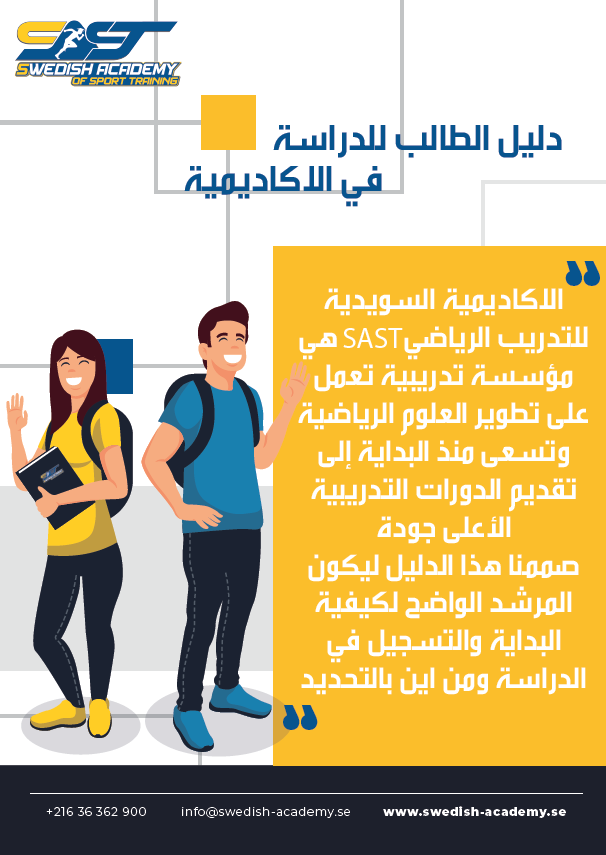
The Swedish Academy of Sport Training (SAST) is dedicated to advancing sports science and offering high-quality training. This student manual explains how to create an account, browse and purchase courses, and start studying. Through the client dashboard, students can access course materials, take exams, and interact with instructors and peers.
Description
The Swedish Academy of Sport Training (SAST) is a training institution specializing in the development of sports science, committed to offering training courses of the highest quality. This comprehensive guide is designed to be a clear manual for new students on how to start their studies and register with the Academy.
The guide covers three main stages:
Account Creation and Login: The student begins by visiting the Academy’s website (www.swedish-academy.se) and then creates a free account by clicking "تسجيل الدخول" (Login) and filling in basic information such as username, email, password, and phone number. An email is sent to the private mailbox for confirmation and account activation.
How to Purchase Courses: After logging in, the student browses the available courses from the "الدورات" (Courses) section. Upon selecting a course, they should read the course information carefully and then click "شراء" (Buy). They then proceed to the shopping cart , where they confirm their details and can use any discount coupons or available reward points. The next step is choosing the preferred payment method (such as PayPal, Credit Card, or Bank Transfer). An email will confirm the successful completion of the purchase.
How to Start Studying: To begin, the student navigates to the "لوحة تحكم العميل" (Client Dashboard) after logging in. From there, they go to "طلباتي" (My Orders) and click on the link of the desired course. The course page contains several sections:
Course Information (معلومات الدورة): Provides a precise description of the course, its programming, curriculum, and testing methods.
Curriculum (المنهج الدراسي): Allows viewing or downloading the textbook in PDF format, sometimes including explanatory films and videos
Discussions (المناقشات): A forum for asking questions about the training curriculum, where the lecturer or colleagues will respond to enrich the scientific discussions.
Exams (الامتحانات): Contains all the course's tests and clarifies the scheduling of the examination plan.
Instructors (الأساتذة): Provides information about the course's lecturer.
Course Ratings (تقييمات الدورة): Allows students to rate the course and write positive or critical comments to contribute to the Academy's development.
The Course Certificate (شهادة الدورة) is issued automatically upon successful completion of all course requirements, a notification email is sent, and the certificate is stored in the student's account under the "الشهادات" (Certificates) section. The dashboard also offers additional sections for editing personal information, managing points, and discount coupons.